Getting Started & Tenant Onboarding
This guide walks you through the tenant registration process, from initial setup to accessing your tenant portal.
Overview
Tenant onboarding is a two-step process designed to quickly provision your brand workspace.
- Register a new tenant (brand)
- Submit required onboarding information
- Activate tenant access via email-delivered credentials
- Access and complete tenant portal setup
Steps
Step 1 - Submit Initial Tenant Details
Tip: Use an email address you can access, since login credentials are delivered there.
Key Pointers:
- Select a plan: Free, Growth, or Scale
- Fill up tenant details
- Pay for the selected plan
⚠️ Coming soon: The walkthrough video will be added here soon.
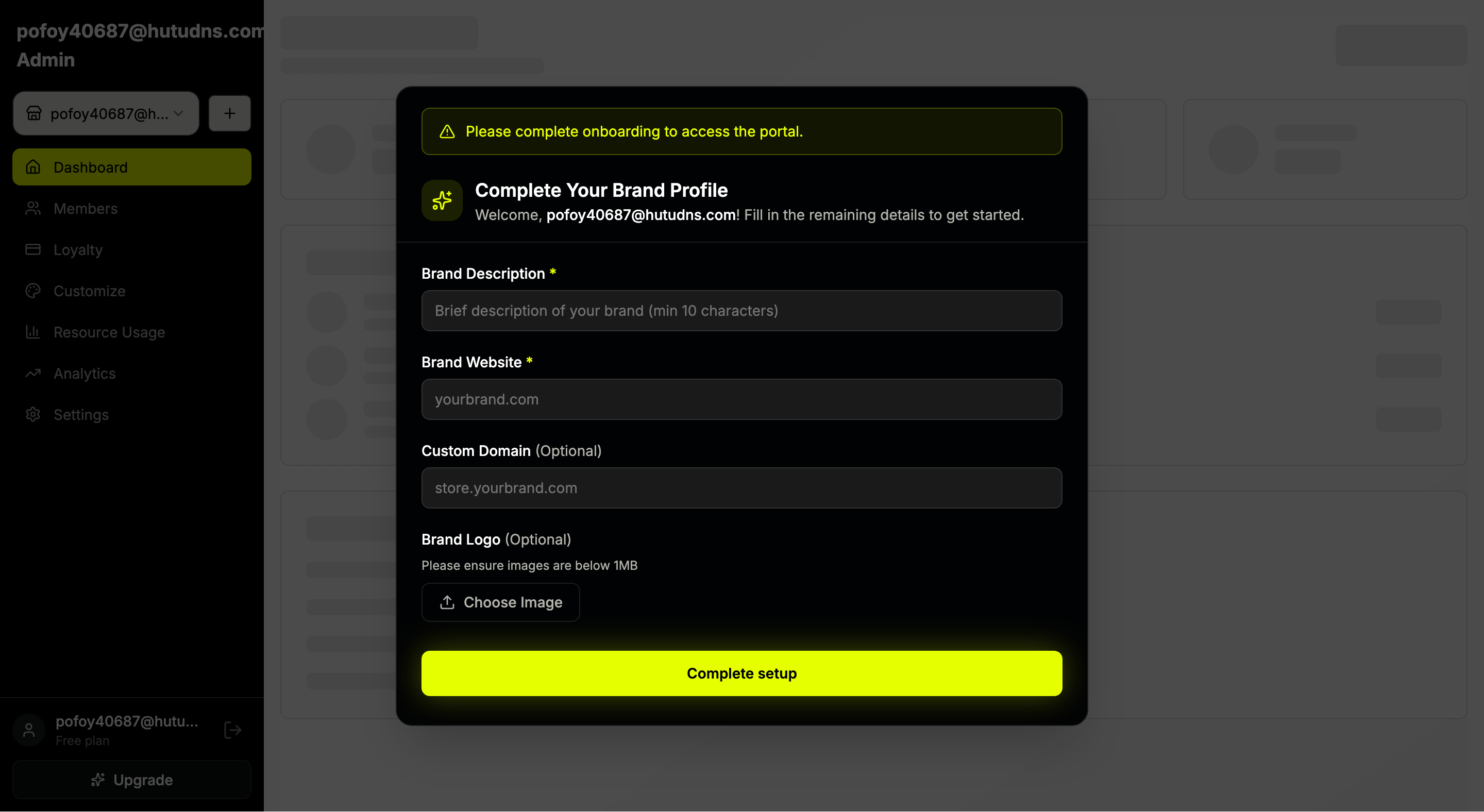
Step 2 - Complete Tenant Profile
After logging in, finish configuring the tenant by adding:
- Brand or tenant name
- Website URL
- Custom domain (optional)
- Brand logo
Completing this step finalizes tenant setup and unlocks full access to the tenant dashboard.
Expected Result
After completing both steps, your tenant workspace is fully configured and ready for use.
Last updated on